
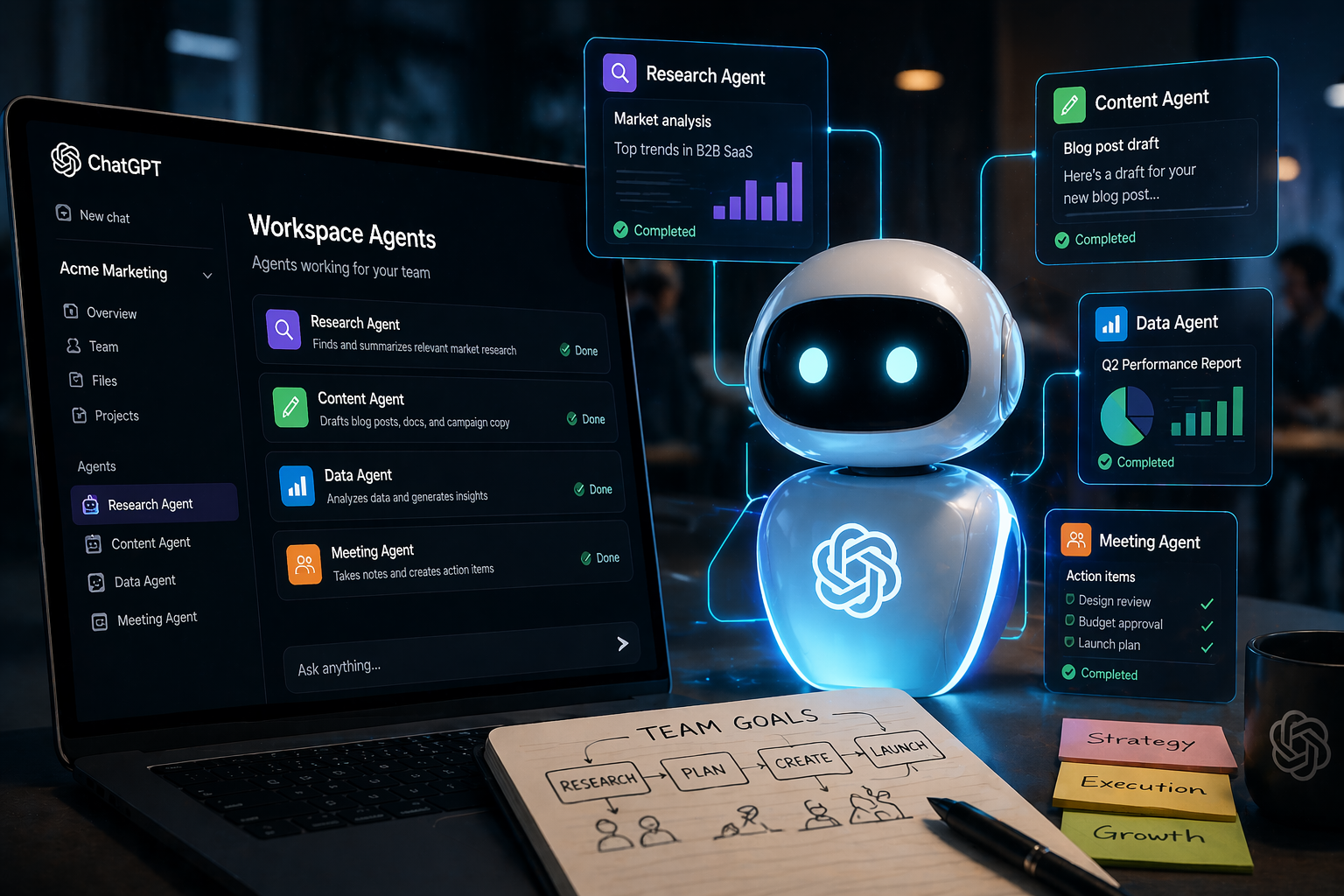
If you’ve ever wished you could hand off a repetitive work task to ChatGPT and just let it run, OpenAI is making that a lot closer to reality. Today, April 22, the company announced workspace agents for ChatGPT. Think of them as shared digital workers that your whole team can use, built right into ChatGPT.
This is a meaningful step beyond what ChatGPT has offered so far. Until now, ChatGPT was mostly a one-on-one tool: you ask a question, you get an answer. Custom GPTs let you personalize that experience, but the conversation still ended when you closed the window. Workspace agents change that dynamic. They can keep working in the background, connect to other apps your team already uses, and handle tasks that take hours or even days to complete.
A workspace agent is a shared ChatGPT assistant that your team builds once, then everyone can use. Each agent gets its own workspace with access to files, code, tools, and memory. It can write and run code, connect to apps like Slack and Linear, and remember what happened in previous sessions.
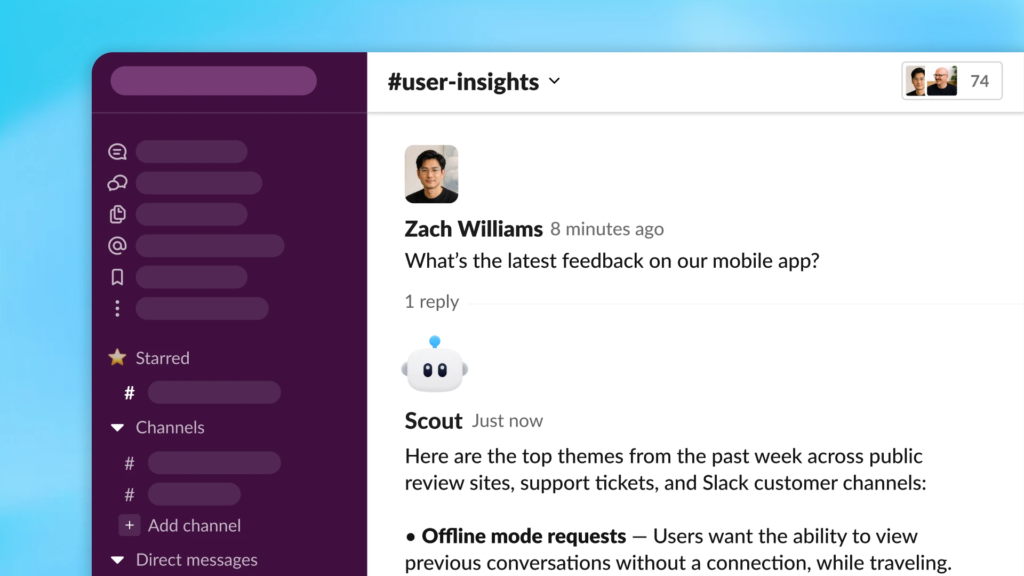
The key difference from a regular ChatGPT conversation: these agents don’t stop working when you close your laptop. They run in the cloud. You can set them on a schedule, trigger them from Slack, or let them monitor something and take action when conditions are met.
Here’s how building one works in practice. You describe the job you want done in plain language, and ChatGPT helps turn that description into a working agent. No coding required. You set what tools the agent should use, what permissions it needs, and who on the team should have access. Then you let it loose.
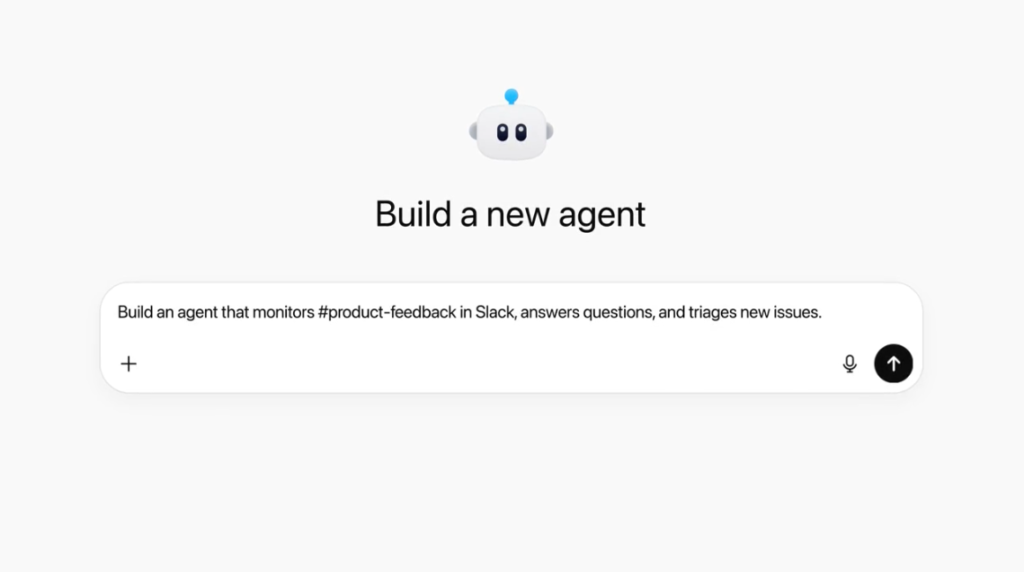
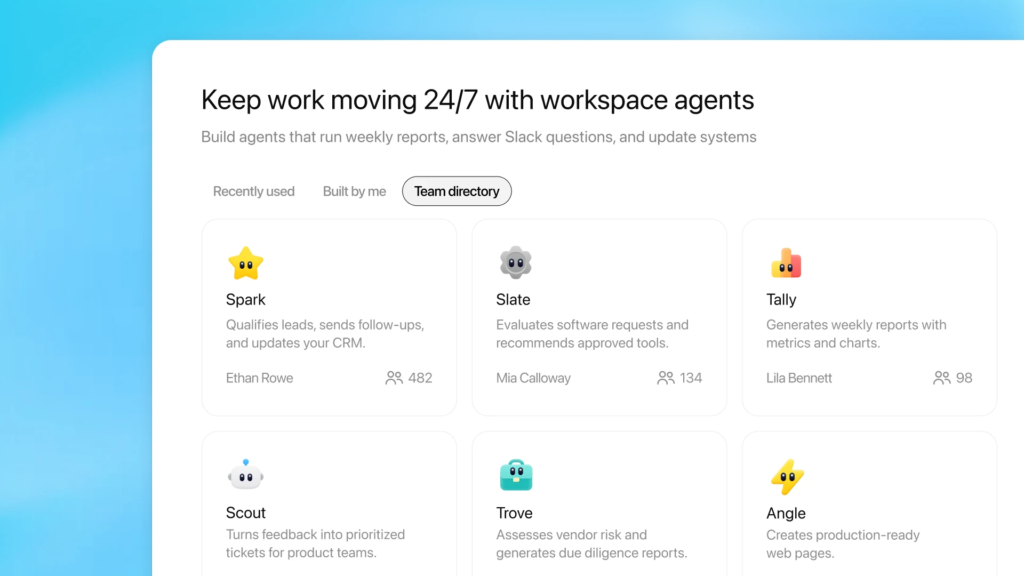
OpenAI lists several real-world examples: qualifying incoming leads, routing customer feedback to the right team, reviewing internal requests, pulling together reports, and researching vendors. These are all tasks that typically eat up someone’s afternoon and involve switching between multiple tools.
Let’s say your sales team gets dozens of inbound leads every day. Instead of someone manually checking each lead against your criteria, opening LinkedIn, cross-referencing your CRM, and writing a summary, a workspace agent could do all of that automatically and post the results in a Slack channel. The human still makes the final call on which leads to pursue, but the grunt work is handled.
Or consider a product team that collects user feedback from multiple channels. An agent could pull feedback from support tickets, Slack messages, and form submissions, group them by theme, and deliver a weekly summary. That kind of work is important but tedious, and it’s exactly the type of task these agents are designed for.
Under the hood, workspace agents run on OpenAI’s Codex technology. If you’ve heard of Codex before, you might associate it with code generation, but it’s grown into something broader. Codex gives these agents the ability to write and execute code as part of their workflow, which means they can do things like pull data from an API, transform it, and generate a formatted report without any human writing a single line of code.
Each agent also gets persistent memory across sessions. If an agent processes vendor proposals on Monday, it remembers the context on Wednesday when you ask for a comparison. This continuity is what makes longer, multi-step workflows possible.
The “workspace” part of the name matters. These agents belong to the organization, not to one person’s ChatGPT account. An admin can control who has access, what permissions the agent gets, and which tools it can connect to. There are role-based access controls, monitoring features, and analytics dashboards so IT teams can keep tabs on what’s running.
This is a clear signal that OpenAI is pushing ChatGPT deeper into the business software market. Instead of competing only with other AI chatbots, OpenAI is now going after the workflow automation space that companies like Zapier, Make, and even Microsoft’s Power Automate occupy. The difference: you build the automation by talking to ChatGPT in plain English rather than configuring visual flowcharts or writing scripts.
Workspace agents are available right now as a research preview for ChatGPT Business, Enterprise, Edu, and Teachers plans. If you’re on one of these plans, your workspace admin can turn the feature on.
There’s also a pricing detail worth noting: workspace agents are free to use until May 6, 2026. After that, OpenAI will switch to credit-based billing. The company hasn’t shared full pricing details yet, so if you’re curious, it’s worth testing the feature during the free period to see whether it fits your team’s needs.
If your team currently uses custom GPTs, those aren’t going anywhere for now. OpenAI says a migration path from custom GPTs to workspace agents is coming later, so you won’t have to rebuild everything from scratch.
If you’re someone who uses ChatGPT mostly for writing emails or brainstorming, workspace agents might not change your daily routine right away. This feature is aimed squarely at teams and organizations that want AI handling their recurring workflows.
But the bigger picture is worth paying attention to. AI tools are moving from “ask a question, get an answer” toward “describe a job, and the AI does it.” That shift has been talked about for a while, but workspace agents are one of the most concrete examples yet of what it looks like in practice.
For small business owners, team leads, and operations managers who spend too much time on tasks that feel like they should be automated, this is worth exploring. You don’t need to be technical to set up an agent. You just need to know what work you want done.
You can read the full announcement on OpenAI’s website.